
Knowledge graphs are a powerful way to structure and analyze data extracted from unstructured text. Traditionally, constructing them relied on large language models (LLMs), which are often costly. A more efficient solution is to use Relik, a lightweight framework for entity linking and relationship extraction, along with Neo4j, a graph database for organizing the extracted knowledge.Here’s how you can build a knowledge graph efficiently:4. Storing the Knowledge Graph in Neo4j
After extracting entities and relationships, you need a database to organize the structured data. Neo4j is a graph database that stores this information as nodes (entities) and edges (relationships). It provides an intuitive way to visualize and query your knowledge graph.Set up a Neo4j database instance, either locally or in the cloud (e.g., using Neo4j Aura). Once connected, you can upload the extracted data into the database, creating a graph structure that links all entities and their relationships.
1. Pipeline Overview
The process of building a knowledge graph typically involves these steps:- Coreference Resolution: Identifies and resolves entities referring to the same object (e.g., “Tomaz” and “He”).
- Named Entity Recognition (NER): Extracts key entities such as names, organizations, or objects.
- Entity Linking: Maps recognized entities to existing entries in a knowledge base (e.g., linking “Tomaz” to “Tomaz Bratanic”).
- Relationship Extraction: Identifies relationships between entities (e.g., “Tomaz WRITES Blog”).
2. Coreference Resolution
Coreference resolution identifies when multiple words or phrases in a text refer to the same entity. For instance, in the sentence “Tomaz likes to write. He enjoys drawing,” both “Tomaz” and “He” refer to the same person.Use tools like spaCy Coreferee to implement coreference resolution and rewrite texts for clarity. This step ensures that your data is consistent and easier to process in subsequent steps.3. Entity Linking and Relationship Extraction
Relik is a specialized library that handles:- Entity Linking: Connects identified entities to a structured knowledge base, such as Wikipedia or a custom database. For example, “Tomaz” might be linked to an entry for “Tomaz Bratanic.”
- Relationship Extraction: Defines connections between entities. For instance, “Tomaz” may have a “WRITES” relationship with “Blog” or an “INTERESTED_IN” relationship with “Diagrams.”
4. Storing the Knowledge Graph in Neo4j
After extracting entities and relationships, you need a database to organize the structured data. Neo4j is a graph database that stores this information as nodes (entities) and edges (relationships). It provides an intuitive way to visualize and query your knowledge graph.Set up a Neo4j database instance, either locally or in the cloud (e.g., using Neo4j Aura). Once connected, you can upload the extracted data into the database, creating a graph structure that links all entities and their relationships.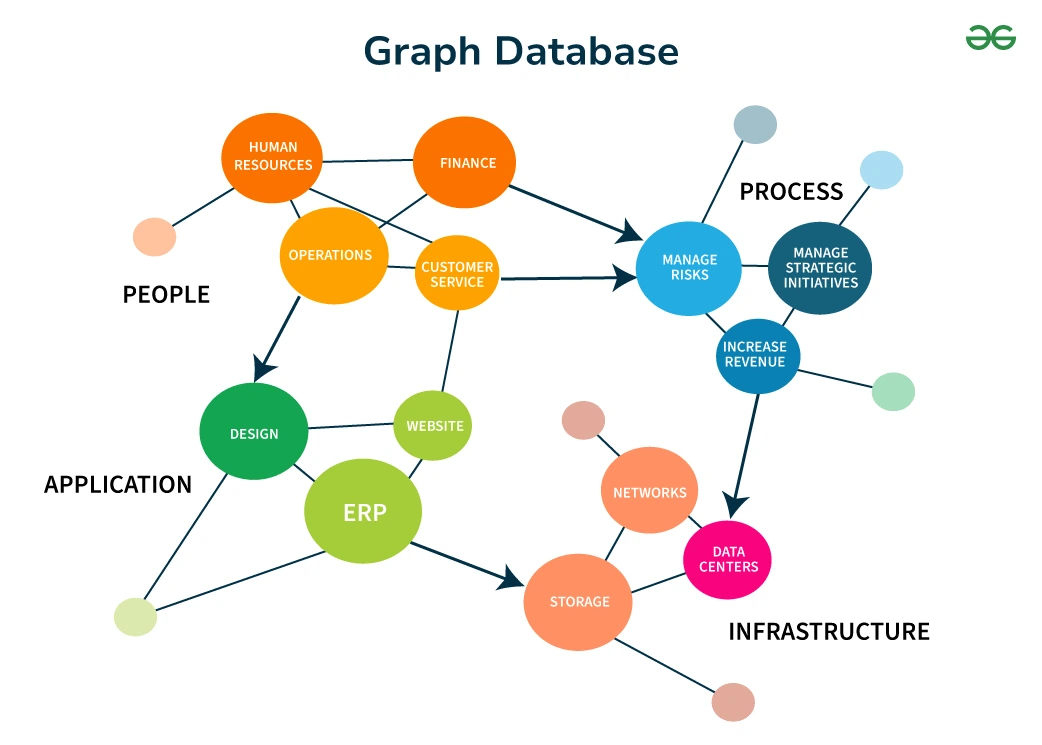
5. Querying and Visualizing the Knowledge Graph
After constructing the knowledge graph, use Neo4j’s visualization tools to explore the connections between entities. For example, you can query the graph to find all relationships involving a specific entity, such as “Tomaz.” This allows for easy retrieval of relevant information.Additionally, frameworks like LlamaIndex can be integrated with Neo4j to enable advanced question-answering capabilities. For example, you can ask, “What happened at Ryanair?” and retrieve structured answers directly from the knowledge graph.Benefits of Relik and Neo4j
- Cost-Effective: Avoids expensive LLMs by using smaller, task-specific models.
- Scalable: Handles large-scale data with efficient database integration.
- Customizable: Allows fine-tuning for domain-specific tasks.
- Open-Source: Provides accessible tools and libraries for developers.