
 Kapwing is a modern video editing and creation platform designed to make content creation accessible for everyone, from beginners to professionals. It streamlines the video editing process with a wide range of tools and features that save time and enhance creativity. Whether you’re a social media manager, content creator, educator, or business team, Kapwing provides an intuitive and collaborative space to create high-quality videos without the need for advanced expertise.
What Kapwing Offers
- Easy-to-Use Video Editing
- Kapwing’s drag-and-drop interface is beginner-friendly, enabling anyone to edit videos quickly without prior experience.
- Features include trimming, transitions, effects, and exporting in multiple formats like MP4, GIF, and more.
- AI-Powered Tools
- Automate repetitive tasks like generating subtitles, removing backgrounds, or cleaning audio using AI.
- AI video generator and smart cut features make editing faster and smarter.
- Collaboration-Friendly
- Teams can edit projects in real-time, just like Google Docs. Everyone sees changes instantly, making teamwork seamless.
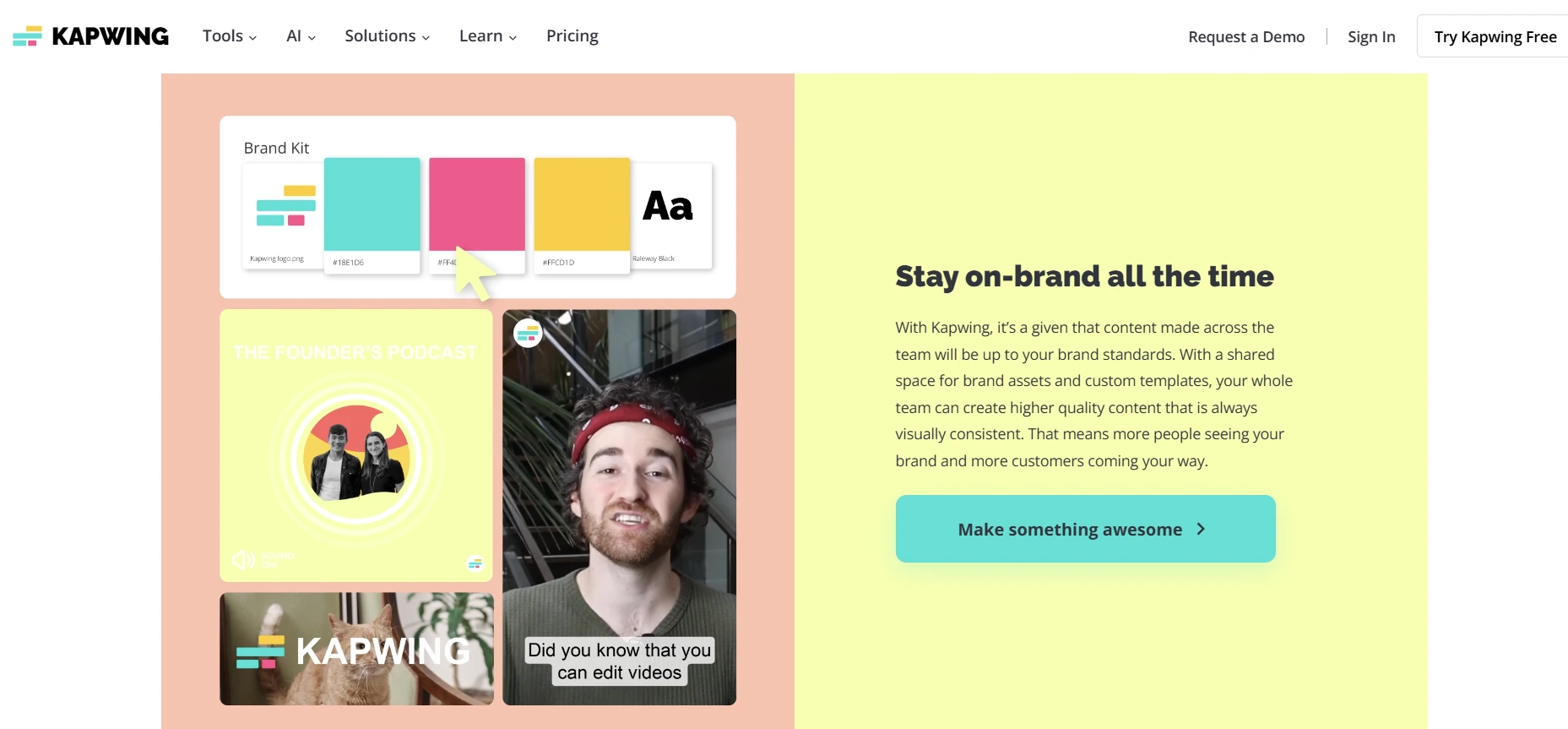
- Shared workspaces help maintain brand consistency with centralized access to assets and templates.
- Custom Branding
- Teams can create branded templates, use custom fonts, and manage assets to ensure all content aligns with their brand identity.
- Flexible Plans for All Users
- Kapwing offers a free plan with basic features like 720p video exports and watermark-enabled projects.
- Paid plans unlock advanced options like 4K resolution, unlimited cloud storage, AI usage, and team collaboration.
Pros
- Beginner-Friendly Interface No steep learning curve – anyone can start creating content immediately. Ideal for individuals with little or no prior video editing experience.
- AI-Driven Efficiency AI tools like auto-subtitling, text-to-speech, and background removal simplify tedious tasks, saving hours of manual effort.
- Real-Time Collaboration The ability to edit and review projects simultaneously enhances teamwork, particularly for remote teams.
- Versatility in Output Supports exporting in various formats, making it suitable for different platforms like YouTube, Instagram, and TikTok.
- Customizable Branding Shared brand kits and templates ensure consistent, professional-looking content across teams.
- Affordable for Individuals and Teams Flexible pricing with a free tier makes Kapwing accessible to small creators, while its pro and business plans cater to professional needs.
Cons
- Watermark on Free Plan Free exports include a Kapwing watermark, which may not be ideal for professional use.
- Feature Limits in Free Tier Free users are restricted to 720p resolution and shorter video lengths (up to 4 minutes), which could be a limitation for some projects.
- AI Usage Caps Even in paid plans, the number of AI-driven tasks like auto-subtitling or text-to-speech is limited per month, which might be restrictive for heavy users.
- Performance on Large Files While intuitive, Kapwing can occasionally lag when working with large files or complex projects.
- Reliance on Internet Kapwing is a cloud-based tool, so an active internet connection is required to use its features. Offline editing is not an option.
Who is Kapwing For?
- Social Media Managers: Quickly create scroll-stopping videos optimized for different platforms.
- Content Creators: Edit YouTube videos, create memes, or make engaging reels.
- Educators: Add subtitles or create instructional videos for classrooms with ease.
- Marketing Teams: Use shared assets to maintain brand consistency while producing professional-quality content.