
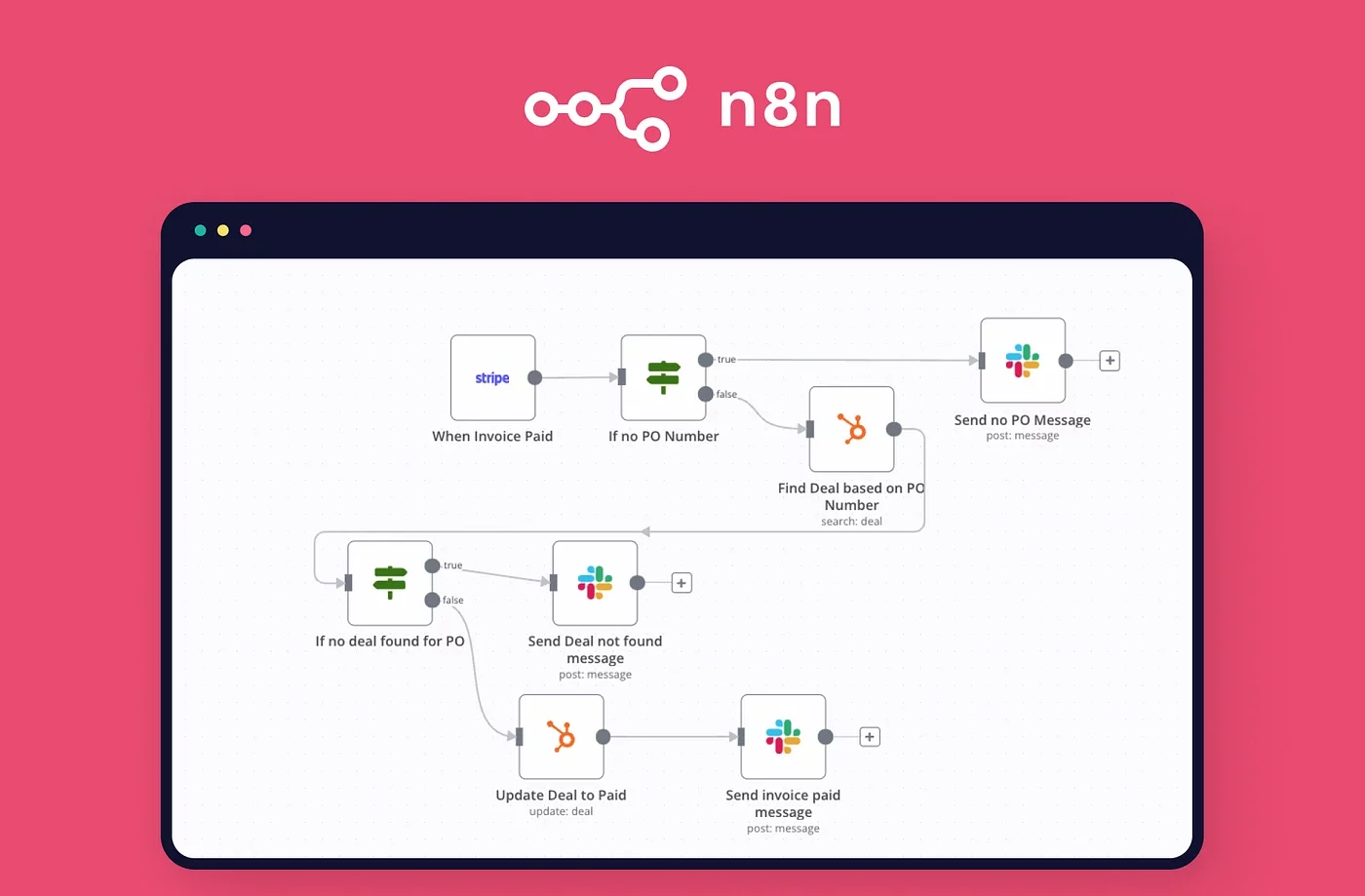
 n8n (short for “node-node”) is a powerful, extendable workflow automation tool that allows users to visually connect APIs and services, without writing repetitive boilerplate code. It’s open-source, self-hostable, and offers a more flexible alternative to platforms like Zapier or Make.com, especially when custom logic or self-control over data is important.With support for hundreds of integrations and the ability to write custom JavaScript and Python code, n8n strikes the perfect balance between no-code usability and developer-level power.
Core Concepts in n8n
At the heart of n8n are a few key building blocks:- Nodes: Each node performs a specific task—like sending an email, making an HTTP request, or reading a spreadsheet.
- Workflows: A combination of nodes connected in a sequence that defines the automation logic.
- Triggers: Events that start a workflow, such as receiving a webhook, a time-based schedule, or changes in connected tools.
- Expressions: Dynamic values within workflows, used to reference and manipulate data across nodes using {{ }} syntax.
- Control Flows: Conditional branches, loops, and error-handling nodes make complex logic implementation possible.
Why Use n8n?
n8n stands out for its unique blend of accessibility and control:- Open-source and self-hostable: Ideal for teams prioritizing data privacy, compliance, or needing on-premise deployment.
- Scalable flexibility: Suitable for both one-off automations and enterprise-grade workflows.
- Cost-effective: Being open-source, n8n significantly reduces reliance on premium automation platforms.
- Developer-friendly: Built-in function nodes allow custom logic using JavaScript without leaving the workflow editor.
Limitations and Considerations
While n8n is powerful, it’s important to consider a few limitations:- Learning curve for complete non-technical users: Although visual, building complex logic may still require familiarity with expressions or basic programming principles.
- Requires DevOps support for hosting: Self-hosting means managing updates, scaling, and infrastructure reliability.
- Fewer prebuilt templates compared to more mature commercial platforms—but this is rapidly improving through the growing community.
n8n Pricing and Cost Structure
n8n offers a flexible pricing model catering to various user needs, from individuals and startups to large enterprises.Self-Hosted (Community Edition) – Free
- Cost: Free to use; users are responsible for their own hosting infrastructure.
- Features:
- Unlimited workflow executions.
- Full access to all integrations and features.
- Complete control over data and infrastructure.
- Ideal For: Developers and organizations comfortable managing their own servers and seeking maximum flexibility and control.
Cloud-Hosted Plans
n8n’s cloud-hosted offerings are managed by the n8n team, providing ease of use without the need for self-maintenance.- Starter Plan:
- Price: $24/month (or $20/month billed annually).
- Includes: 2,500 workflow executions, 5 active workflows, unlimited test workflows, and forum support.
- Ideal For: Individuals or small teams beginning with workflow automation.
- Pro Plan:
- Price: $60/month (or $50/month billed annually).
- Includes: 10,000 workflow executions, 15 active workflows, 3 shared projects, 20 concurrent executions, 7 days of insights, and additional features like admin roles and execution search.
- Ideal For: Growing teams requiring more extensive automation capabilities.
- Enterprise Plan:
- Price: Custom pricing based on specific requirements.
- Includes: Unlimited workflow executions, advanced security features (SSO SAML and LDAP), dedicated support with SLA, version control using Git, and more.
- Ideal For: Large organizations with complex automation needs and stringent security requirements.
Startup Plan
- Price: $400/month.
- Eligibility: Startups with up to 20 employees that have raised up to $5 million.
- Includes: Unlimited test workflows, unlimited executions, and unlimited users.
- Ideal For: Early-stage startups looking to scale their automation without worrying about execution limits.
Learnings
Working with n8n has taught us a few valuable lessons:- Think in nodes, not scripts: Building automation as a visual flow forces you to modularize logic, which improves clarity and maintainability.
- Iterate early with mock data: Testing flows with dummy data helps catch mismatches and logic gaps early on, especially when dealing with APIs.
- Documentation is your best friend: While n8n has a user-friendly UI, consulting the official documentation and community forums aids in understanding advanced use cases like merging datasets, handling webhooks, and properly using expressions.
- “Ask Assistant” is a hidden gem: A particularly helpful feature is the Ask Assistant button. When encountering difficulties, it provides step-by-step guidance, suggests nodes, and even corrects logic flaws that might otherwise be missed. It functions like an integrated tutorial within the platform.